 TaskSoar
Track time where the work lives.
TaskSoar connects your tasks and your time in one place. Start a task, the clock runs. Stop or complete it, the time is logged. Reports do the rest.
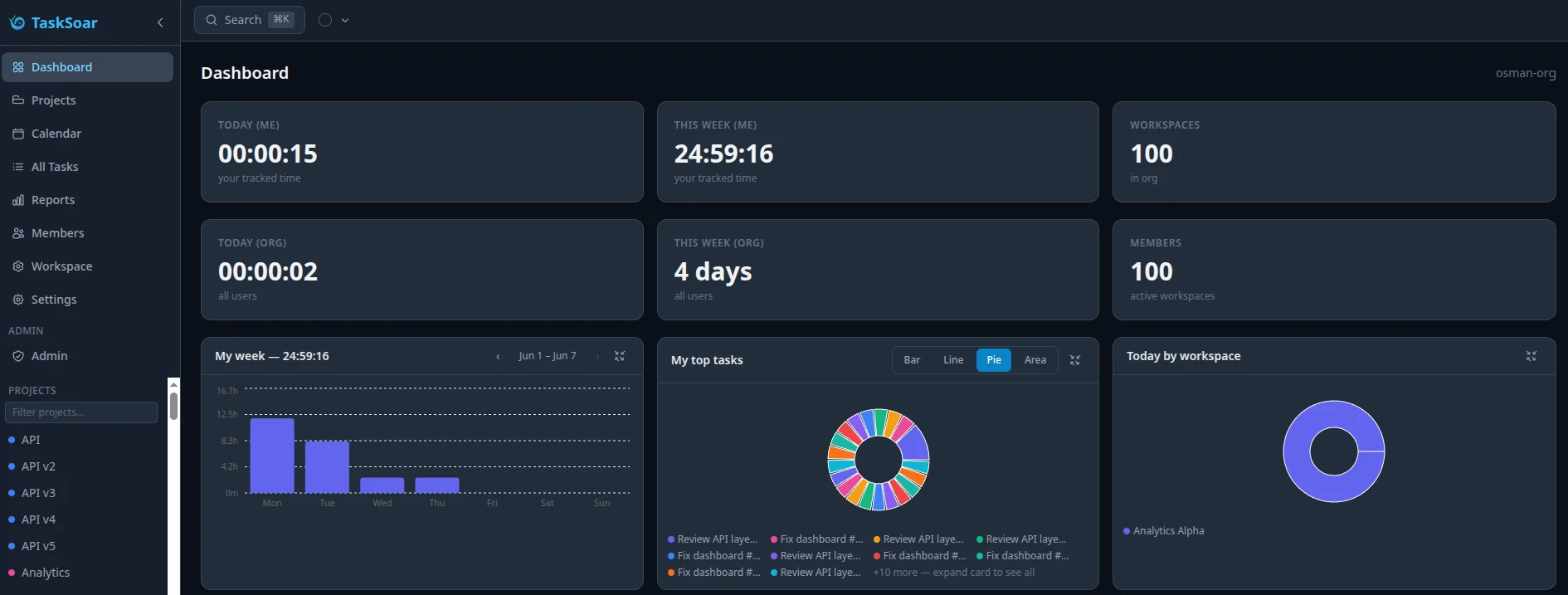
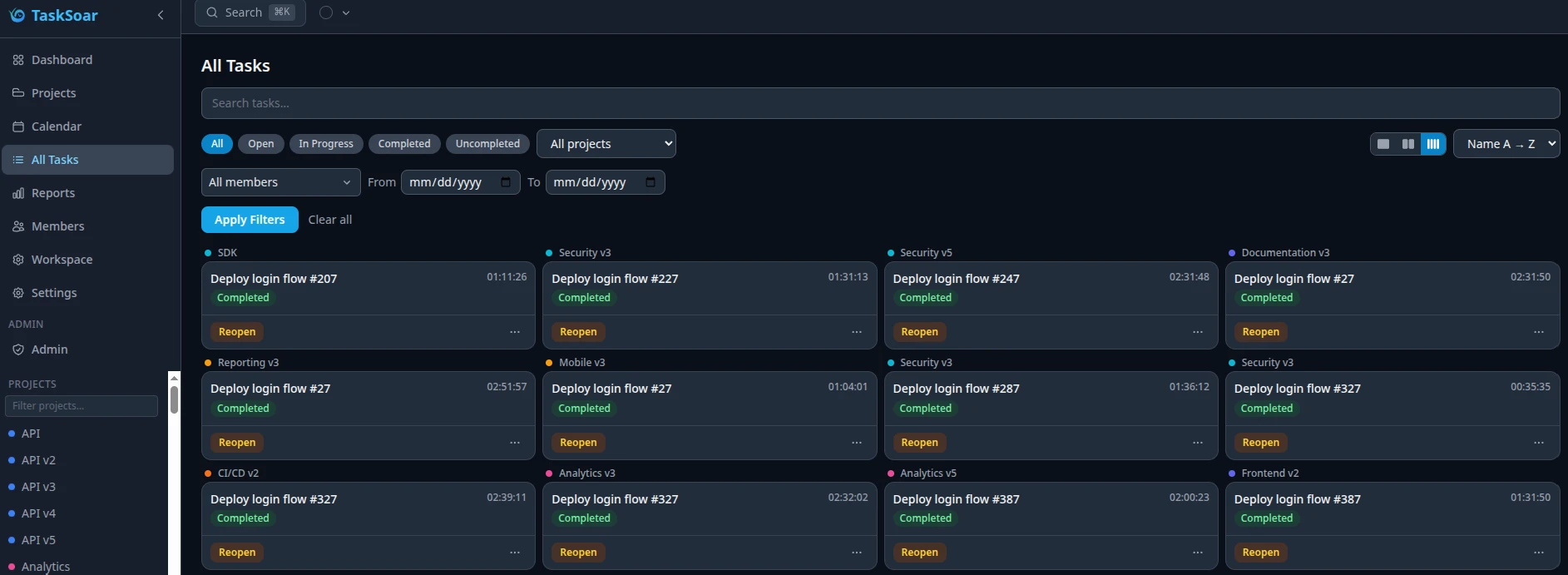
See it in action.
The core of TaskSoar in three views — tasks, reports, and calendar.
One click. Time starts.
Every task has its own timer. Hit start and TaskSoar creates a time entry automatically. Stop the task and the entry closes. Only one task can run at a time — switching tasks closes the previous timer automatically.
Built for the full picture.
Workload alerts, hierarchy, access control, tags, audit trails, enterprise auth, and PWA support — everything a team needs, nothing it doesn't.
Know when your team is over- or under-worked.
TaskSoar watches logged hours across the workspace and flags when a member trends too high or too low against their expected hours — so you catch burnout risk or a stalled task before it becomes a bigger problem.
Thresholds are configurable per workspace. Alerts land in the Admin Panel and by email.
Organization → Workspace → Project
Structure your work the way your team is actually organized. One organization holds multiple workspaces — squads, clients, departments — each with their own projects and reports.
Projects have colors and can be archived. Tasks live inside projects and are owned by individual users.
The right people see the right things.
Every member has a role — organization owner, workspace owner, or member. Owners manage invitations, integrations, and workspace settings. Roles are enforced server-side.
Invitation flow is token-based. Invite by email; the link expires in 7 days.
Cross-project labelling.
Tags are scoped to a workspace and can be applied to any task inside it. Use them to group work across projects — by feature, client, or sprint — and filter reports by tag.
Full audit trail per task.
Every state change — started, stopped, completed, reopened, manually added — is recorded on the task with a timestamp and the user who triggered it.
Enterprise auth out of the box.
TaskSoar is backed by Keycloak. PKCE login, social login (Google, GitHub, or any OIDC provider), SMTP-driven email invitations, and a branded login screen — all configurable without touching config files.
The superuser Admin Panel covers SMTP, social login, system logs, and rate limits.
Works like an app, runs in the browser.
Install TaskSoar on any device from the browser. No app store required. The timer keeps ticking in the background; completing a task from mobile or desktop keeps everything in sync.
Pull from your issue tracker.
Work where you already are.
Connect TaskSoar to your issue tracker of choice. Search for an issue directly inside TaskSoar, attach it to a task, and the title and status are cached on the link — available offline. Integration credentials are stored server-side and never exposed to the frontend.
Linear
Link tasks to Linear issues. Search and attach directly inside TaskSoar.
Zendesk
Attach support tickets to tasks. Keep customer context next to your work.
Jira
Pull Jira issues into tasks. Sync status and keep your backlog in view.
GitHub
Link commits and issues to tasks. Trace work from code to time log.
Asana
Import Asana tasks and track time against them without leaving TaskSoar.